
What is Container?
This guide explains the fundamental concepts of item storage within the system, focusing on how Containers function and how items are allocated.
1. Understanding Containers
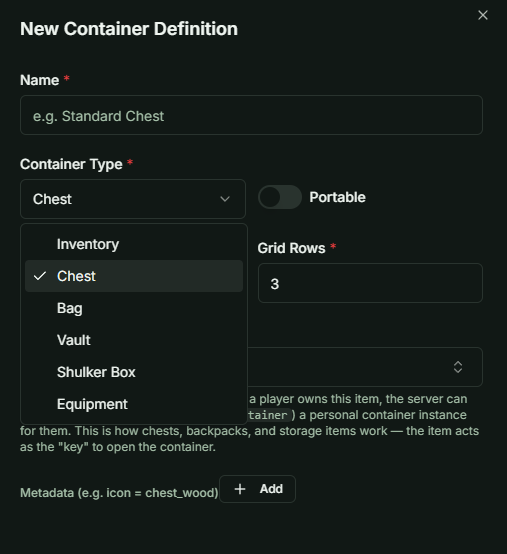
While commonly referred to as an "Inventory," the system uses a broader Container logic. A game may utilize multiple container types, each serving a different functional purpose.
Examples of Container Types:
- Main Inventory: The primary storage for player equipment and consumables.
- Storage/Vault: Long-term storage often found in town hubs.
- Quest Bag: A dedicated space for mission-critical items that do not clutter the main inventory.
- Equipment Bar: A specialized container for active-use items or skills.
2. The Main Inventory
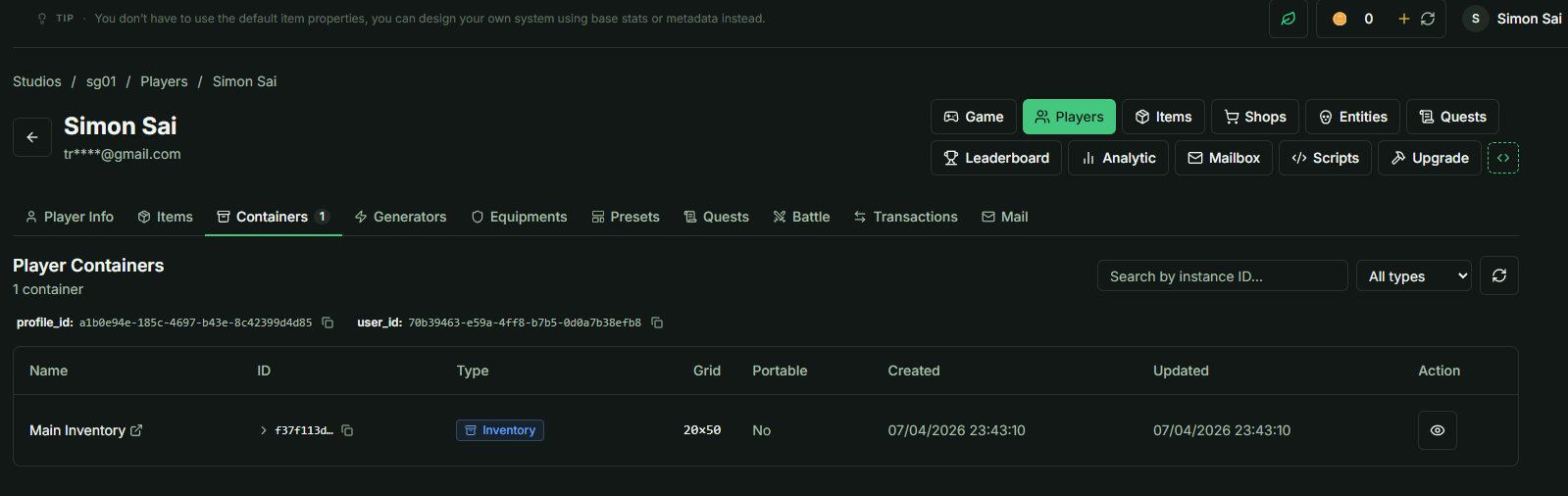
By default, the system defines one Main Inventory for every game.
- Automatic Initialization: A player does not need to manually "create" an inventory.
- Instance Trigger: An instance of the Main Inventory is automatically assigned to the player the first time they receive an item (e.g., when claiming an item via the Mailbox).
3. Capacity and Grid Logic
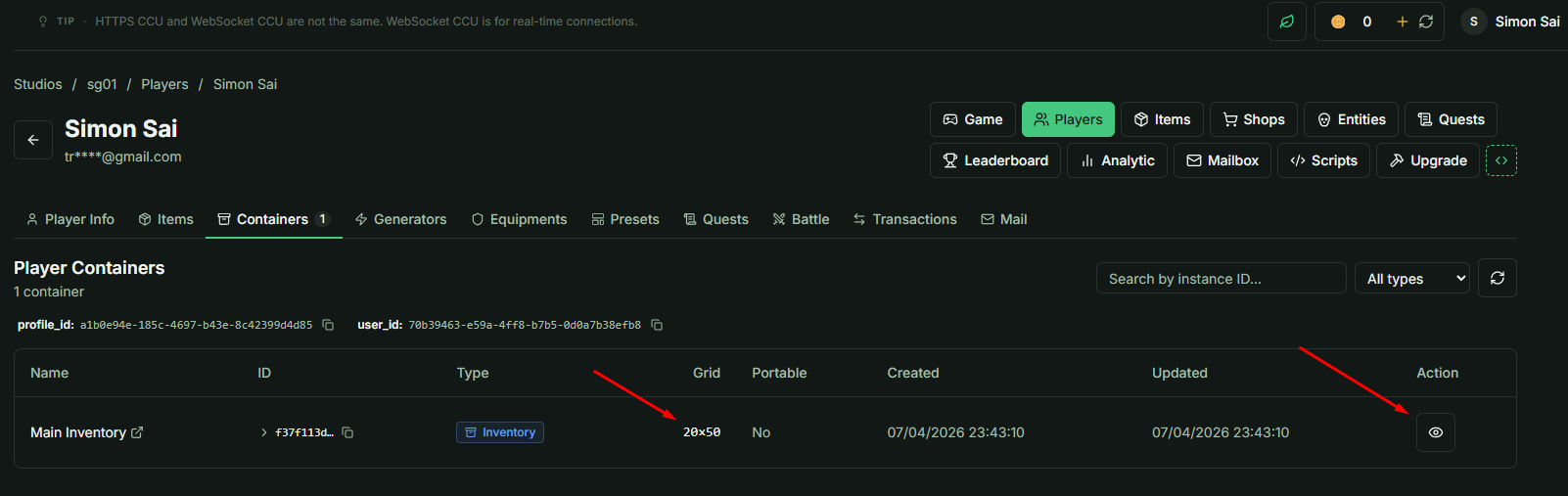
All Containers are built on a flexible grid system to accommodate various UI designs.
-
Slot Limit: Every Container supports a maximum of 1000 slots. You can define the dimensions (Width x Height) as long as the total does not exceed this limit.
-
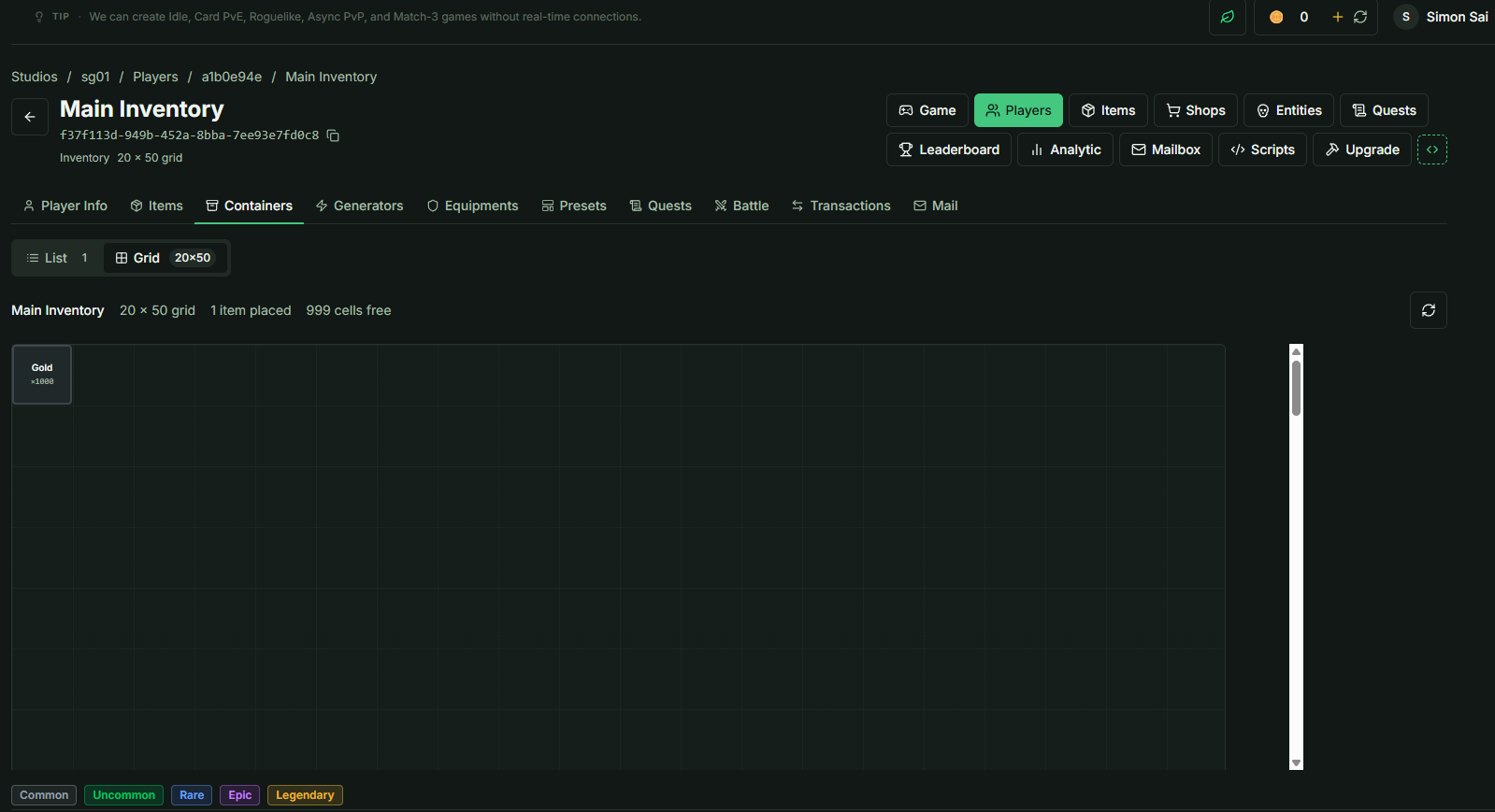
Auto-Allocation: When an item enters a Container, the system automatically identifies the first available empty slot based on the item's dimensions.
4. Handling Overflow
Storage is finite. It is essential for the Client to handle feedback when a Container reaches capacity.
- Server Validation: If an item is sent to a Container with no available space, the Server will return an error code to the Client.
- Client Responsibility: The game client should be programmed to display a "Storage Full" notification to the player when this error occurs.
5. Simplified Grid Setup
- The system supports complex item shapes (e.g., a 2x3 sword), but this is optional.
- If your game does not require spatial inventory management (Tetris-style), simply set the Item Definition Grid to the default 1x1. This treats every item as a single-slot entry, simplifying the management process.