Equipment Slots Definitions
This guide covers the fundamental concepts and configuration of the Equipment Slots system.
1. System Usage & Limits
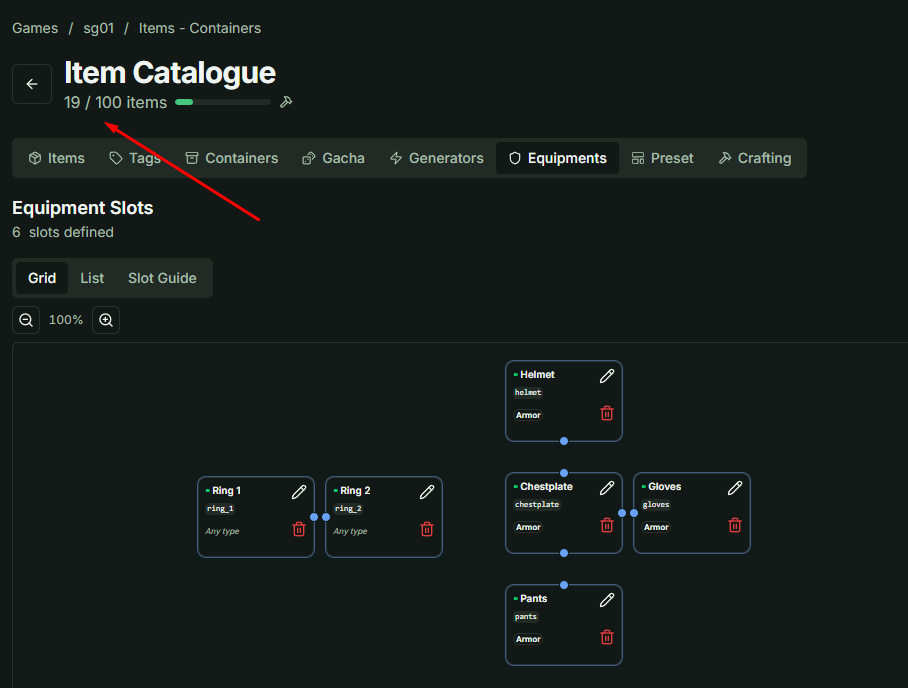
The first thing to note is that each Slot Definition created will consume one Usage unit from your project's total Item Definitions limit. Efficient management of slot definitions is recommended to stay within your subscription tier.
2. Management Interface
The Equipment Slots management page features three distinct views:
- Grid View: Allows you to arrange slots visually in a 2D space.
- List View: Provides a standard, searchable list of all slot definitions for quick editing.
- Slot Implementation Guide (Advanced): This tab provides instructions on implementing slots for games with multiple Character Classes where each class exists as a single instance (similar to the logic in Elden Ring).
Important: The Slot Implementation Guide requires advanced technical knowledge of the architecture. For the purposes of this guide, we will skip the advanced section and focus on basic configuration.
3. Slot Constraints & Validation
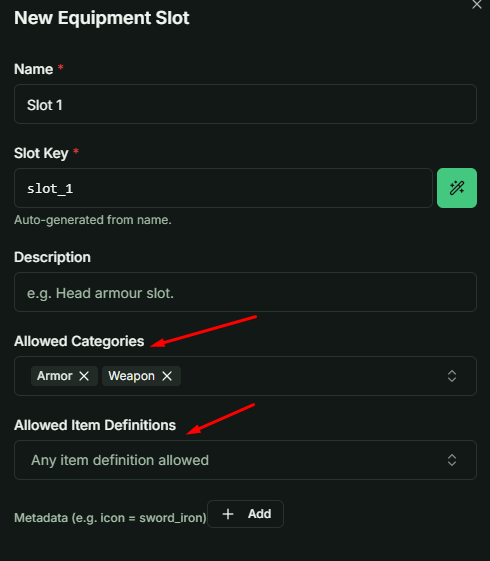
When creating or editing a slot, you can define specific rules for what can be equipped:
- Item Category: Restrict the slot to a specific category (e.g., "Main Hand" can only accept items from the "Weapon" category).
- Specific Items: Whitelist specific item definitions that are allowed in the slot.
- Open Access (Empty): If you leave these fields blank, the slot will function as a "Universal Slot," meaning any item can be equipped regardless of its type.
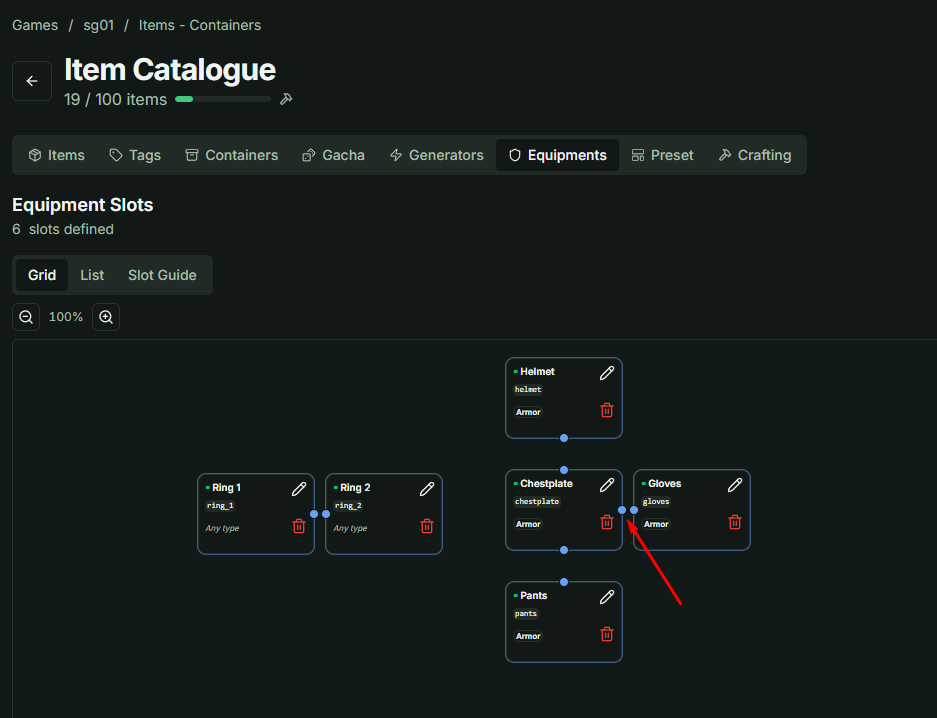
4. Visual Organization (Grid View)
The Grid View layout is strictly for administrative organization.
- No Logic Impact: The arrangement, grouping, or positioning of slots in the Grid View has no effect on the logic built within your game client.
- Visual Grouping: You can "snap" slots together in groups or drag them to any position to create a layout that mirrors your game's UI, making it easier to manage complex equipment systems visually.